Crest Software
document management
CrestDOCS is a drawing and document management system...
...that controls the day-to-day issue and receipt of drawings, drawing approvals, requests for information (technical queries), site instructions and other contract correspondence (including emails) and documentation.
Immediate access...
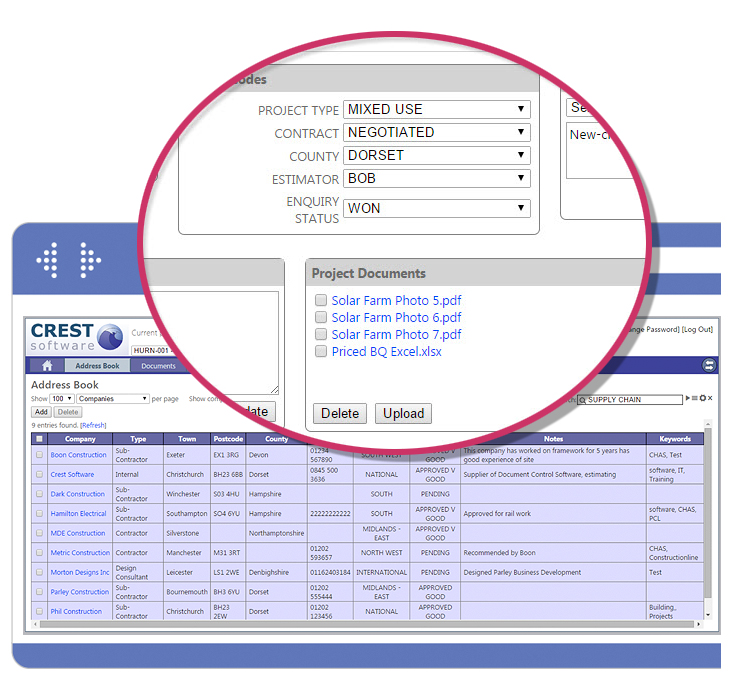
Designated personnel have immediate access to all the project information including up to date document and drawing registers to assist with the tracking of drawing approvals and issues.
Customisable...
CrestDOCS ensures that information can be shared thus enabling the project team to have a better understanding of both the design and construction phases of all their projects.
The project team can respond quickly to all revised documents and design issues
CrestDOCS Document Management
Project Control
- Centralise project information
- Full audit trail
- Implement QA procedures
- Built in flow chart to control project processes
- Save time in locating / tracking the latest document revisions
Drawing Management
- Drawings can be viewed and maintained in the drawing register
- Powerful revision control
- Issue drawings for any purpose
- Issue drawings via email
- Display revision / issue history of any drawing
- View electronic drawings
- Red line and add comments to drawings
- Filter and search facilities
- Multi level filters
- Assign drawings to works program
- Track drawings issued for comment
Request for Information, CVI and Instruction Management
- Maintain and view a complete RFI, CVI and SI register
- Apply codes and or keywords to RFI, TQ, CVI and SI's etc.
- Email RFI's & TQ's etc.
- Assign drawings, cross-reference other instructions and documents
- User defined alarms will flag up all overdue RFI's
- Categorise and prioritise RFI, CVI and SI's
Document and Correspondence Management
- Maintain and view a correspondence register including letter, fax, email, specification, etc
- Store scanned images of correspondence
- Assign user defined keywords to search out relevant documents
- Create custom filters and alarms
- Create cross-references to requests, drawings, instructions etc
- Attach external files
Reporting
- Customise report headings to suit your company's standards
- Define header and footer logos
- Display up to 8 lines of user defined header and footer information
- Use pre-defined filters to easily identify drawing distribution
- All the drawings can be related to a project bar chart
System requirements
- Windows NT/2000, XP or Vista
- Minimum 128 MB of RAM recommended
- Hard disk with approximately 100MB free disk space
- Can be installed on workstations or network servers
- Any printer or plotter supported by MS Windows


Close