Crest Software
Valuations
Valesco Valuations is an essential tool for both the client and contractors QS, Valesco Valuations is more than simple valuation software.
Valesco Valuations can be used independently or in conjunction with our estimating system Valesco Estimating (estimate data from other systems is readily imported by means of a text file).
Collaborative...
Valesco Valuations can be used as a stand-alone site based system or, alternatively, can be used in conjunction with, for example, MS SQL server to offer a multi-user facility to larger sites and offices.
Progress monitoring...
The ability to offer flexibility in the compilation of user defined reports makes Valesco Valuations an essential tool for the QS who wants to export data required by his company's Cost Value reporting system rather than expecting the CVR system to be restrained by the Valuation Software's limitations. This means that Valesco enables progress and performance monitoring to a far higher standard than can conventionally be achieved.
Features overview:
- Data easily imported from other Estimating or valuation Software
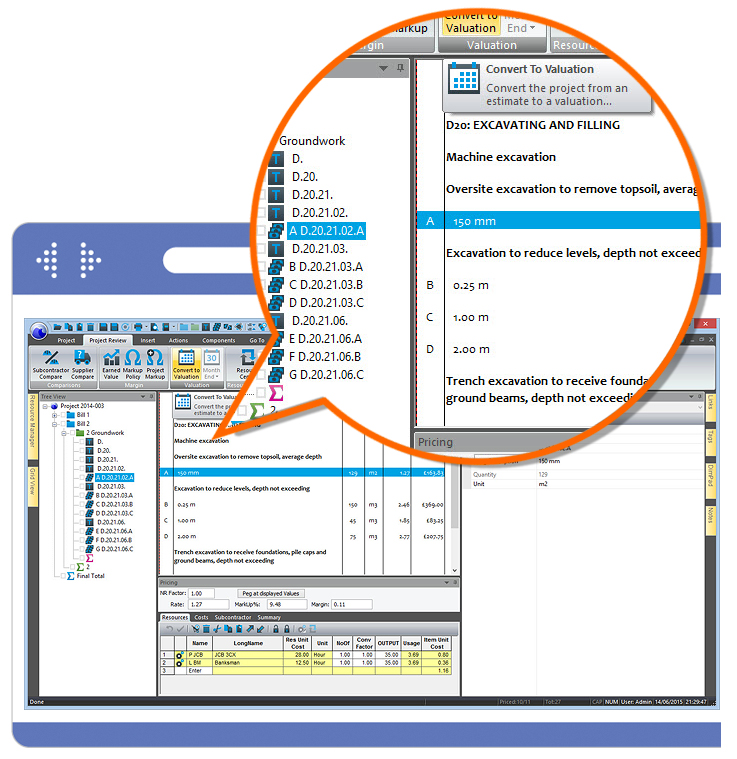
- Tree View allows simple navigation of the BoQ document
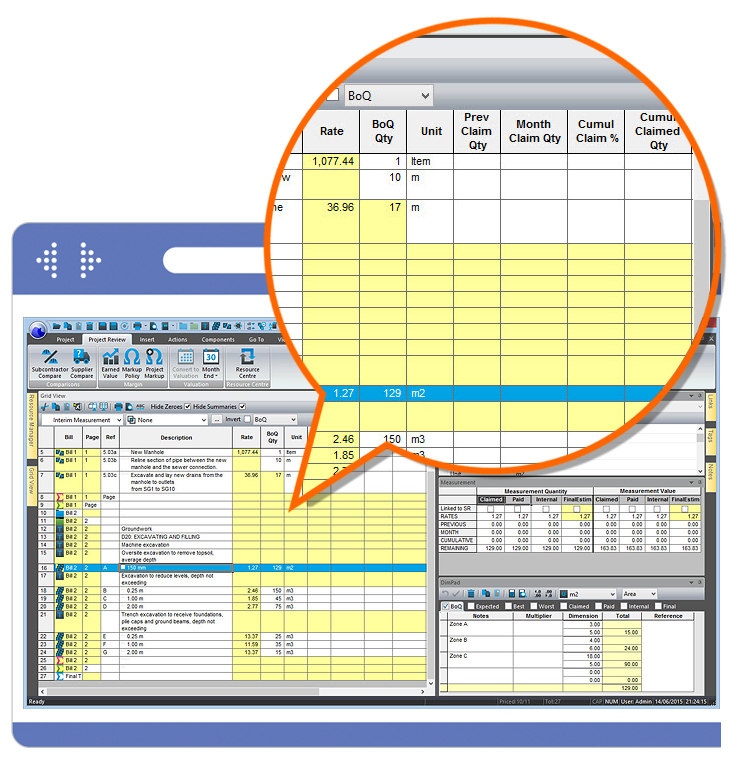
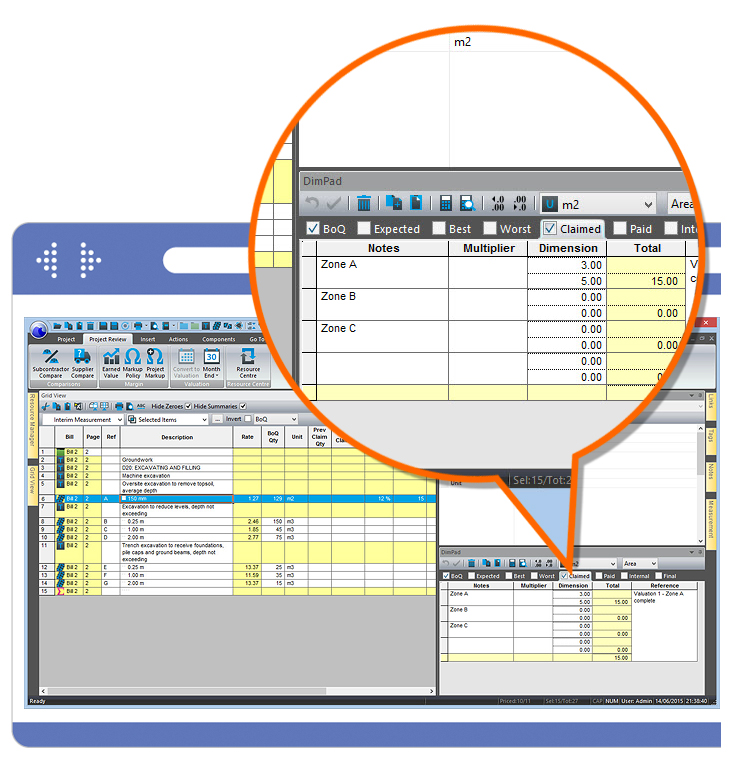
- Grid View enables the QS to work in a virtual spreadsheet if preferred
- Interim Application simply produced using Estimator's resourced data
- Application data contains Claimed, Paid and Internal measurement/value
- Subcontract enquiries/comparisons produced within the software package
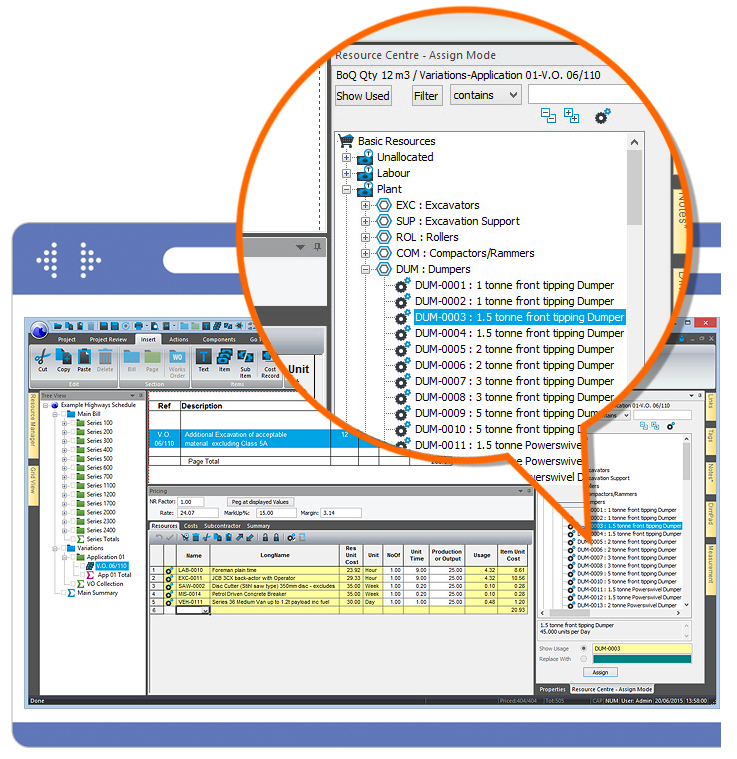
- Variations easily added, priced and measured using BoQ production features
- User-defined filters to identify and edit selected items
- Report on cumulative, monthly, remaining or expected final measurements
- Create any number of your own reports
- Export data to planning or office software
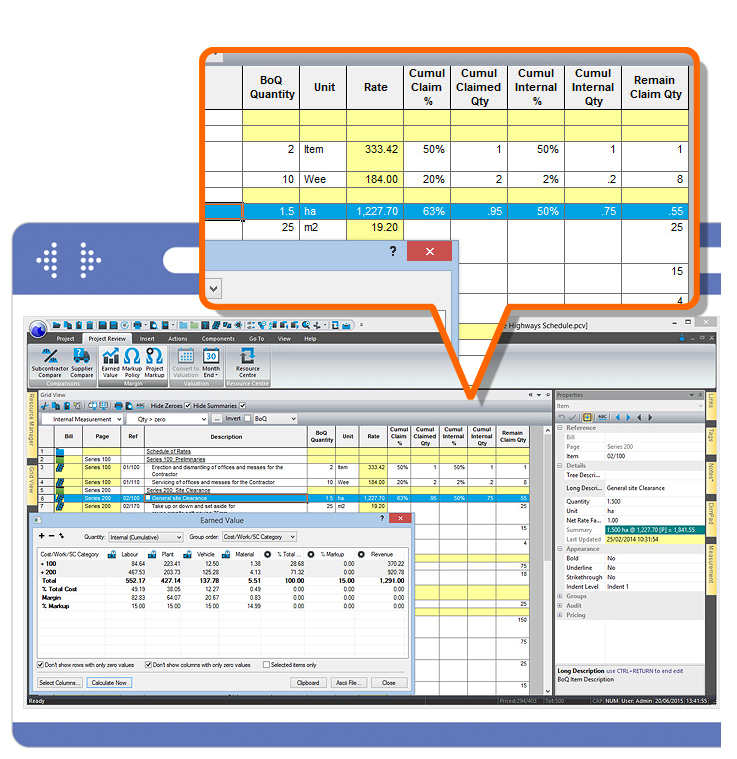
- Produce Cost Type and Cost Group Matrix for simple Earned Value Analysis
Valesco Valuations
Reduce installation & Training Costs
- 32 bit MS Windows operation, for Windows 95, 98, NT, 2000 and XP
- Flat files or client to SQL Server with built in OLEDB
- Protect confidentiality by controlling access to specified data
- Adapt to different contracts with your own Text, Date and Numeric User Fields
- Customise with user defined cost structure, calculations/formula
- Easy interface to other software by ODBC, Clipboard or ASCII file
BoQ Data Entry
- Unnecessary if estimated with Valesco - uses the same file
- Scan the BQ document retaining the original page layout
- Import BQ from a spreadsheet
- Cut/Copy/Paste Bills, Pages, Items, Resources project to project
- Create Bills from an industry or your own library
- Automatic Cost coding from the library
BoQ Navigation/Editing
- Customise the dialogue boxes for increased usability
- Navigate large Bills using the Windows compliant tree structure
- Create Tags to collect/step through similarly Tagged records
- Create filters for navigation, summarisation, viewing or reporting
- Edit consistently and rapidly using Bulk Field Change
- View/Edit (subject to password) all pre contract estimating data and notes
- Execute and store measurement calculations with the item spreadsheet
- Remember topical matters by using the Item Notepad
Interim and Final Measurement
- Rapid spreadsheet type data entry with copy and paste capability
- Claimed, paid, internal and estimated final quantities for previous, period, cumulative and remaining
- Enter quantity, revenue, % of final estimate or % of BQ quantity
- Submit application (claimed) quantities electronically and copy and paste amended (paid) quantities
- Use Valesco estimating features to insert and price variations
- Measure non-BQ Sub Items for internal value
- End of period "Rollover" (previous becomes previous + period)
Costs
- Enter/import/paste actuals as resource usage or costs
- View actual/allowance/variance analysis and export to file/ clipboard
Reporting
- Define, save and password protect any number of reports
- BoQ, Resource or net rate (LPM) based summary or by item
- User Defined Variables to customise analysis calculations
- Export to the clipboard, text files or any database
- Analysis using sorts with summarisation by sort key
- Forecast to completion, comparison with BQ or previous forecast
- Sub contract liabilities
System requirements
- Windows NT/2000, XP or Vista
- Minimum 128 MB of RAM recommended
- Hard disk with approximately 100MB free disk space
- Can be installed on workstations or network servers
- Any printer or plotter supported by MS Windows


Close